Version 1.0 · Free · macOS and Windows

A studio modular you can play. And one that teaches you.

Wirewood Modular puts a wall of big, photorealistic panels on your screen. Drag real-looking patch cables between them, play it from your keyboard or your DAW, and learn how synthesis works one cable at a time.

  • Standalone app
  • VST3
  • AU
  • MIDI
  • 1 to 8 voices
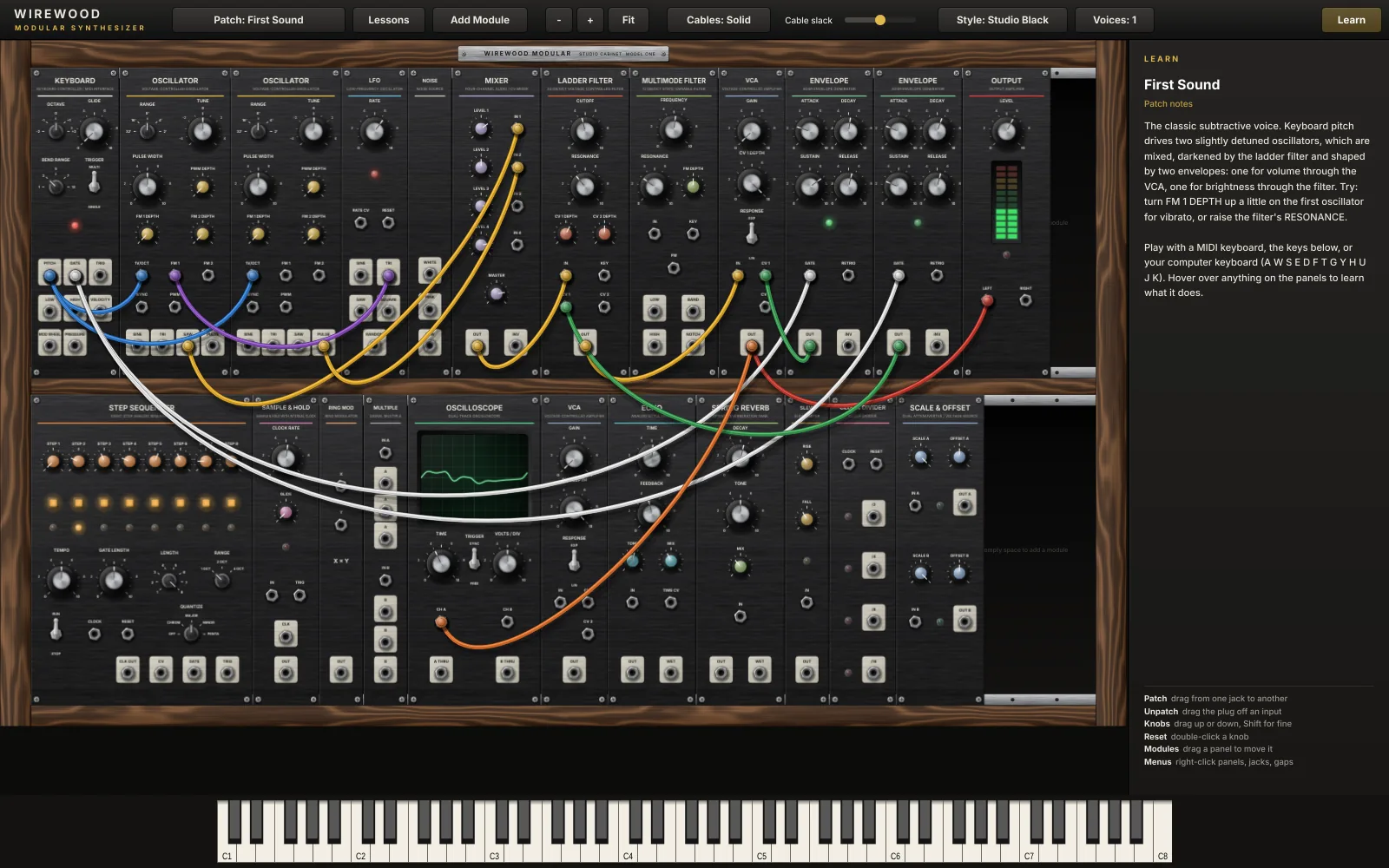
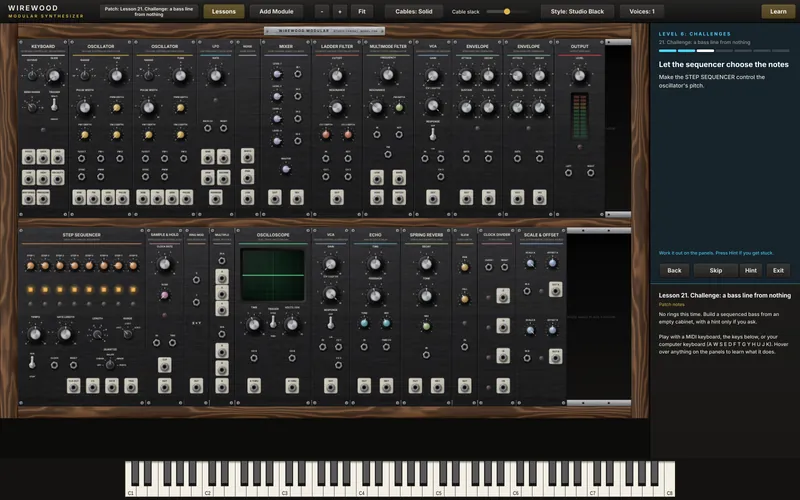
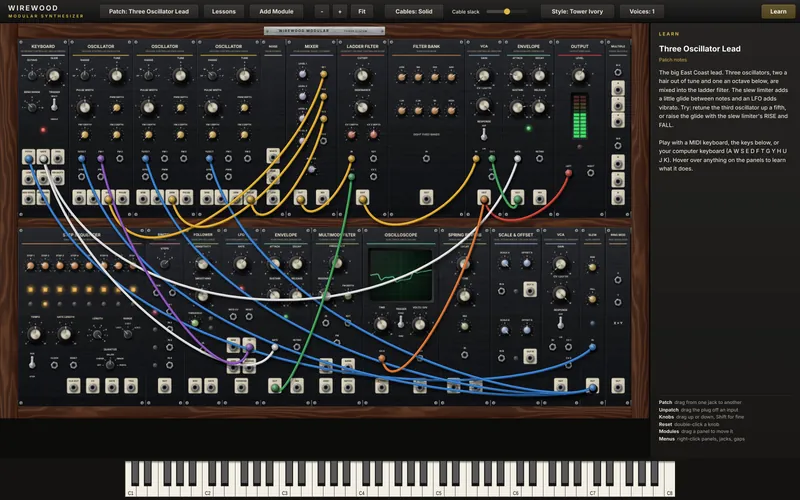
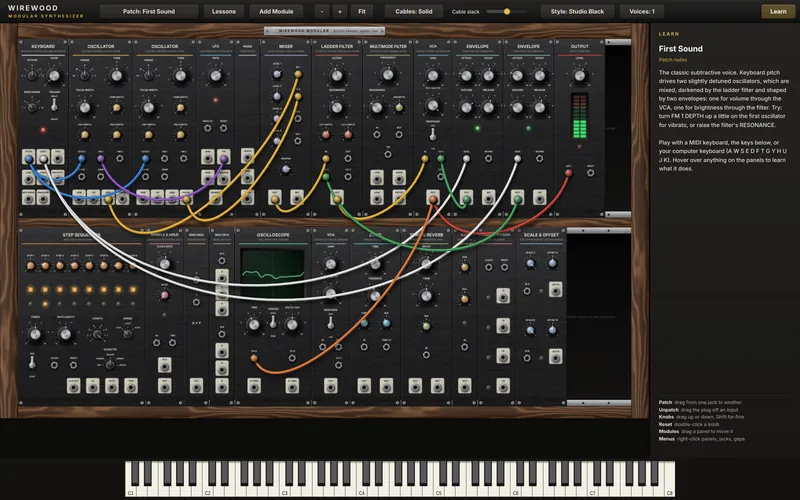
Wirewood Modular's Studio System: two rows of black panels in a walnut cabinet, patched with yellow, blue, purple, green, white and red cables, with a Learn panel on the right and a keyboard below.

Listen

Sequenced Bass, straight out of the box

One of the starter patches. The step sequencer plays the bass line by itself, its gate fires two envelopes, and a slow LFO sweeps the ladder filter. Turn the sound on.

24 seconds, recorded straight from the standalone app. No external effects.

Two instruments in one

Built for making music. Built for learning it.

Play

A full modular studio that behaves like hardware: any output into any input, feedback loops included.

  • Runs on its own or inside your DAW as a VST3 or AU instrument
  • MIDI keyboards plug and play, with velocity, pitch bend, mod wheel, aftertouch and sustain
  • Mono like the classics, or 2 to 8 voices of polyphony with every patch unchanged
  • Step sequencer with a scale quantizer, clock divider, echo and spring reverb
  • Starter patches for every system, plus save and load your own
Learn

Every knob and jack explains itself. Hover over anything and the Learn panel tells you what it does and shows its live voltage.

  • A 23-lesson course in six levels, from your first sound to West Coast plucks
  • Each lesson builds a real patch with you, one cable at a time
  • Blue rings show which jack or knob comes next, and the lesson moves on when you do it
  • Challenges set a goal and check your patch however you solve it, with a Hint button
  • Your progress is saved, so you can pick up where you left off
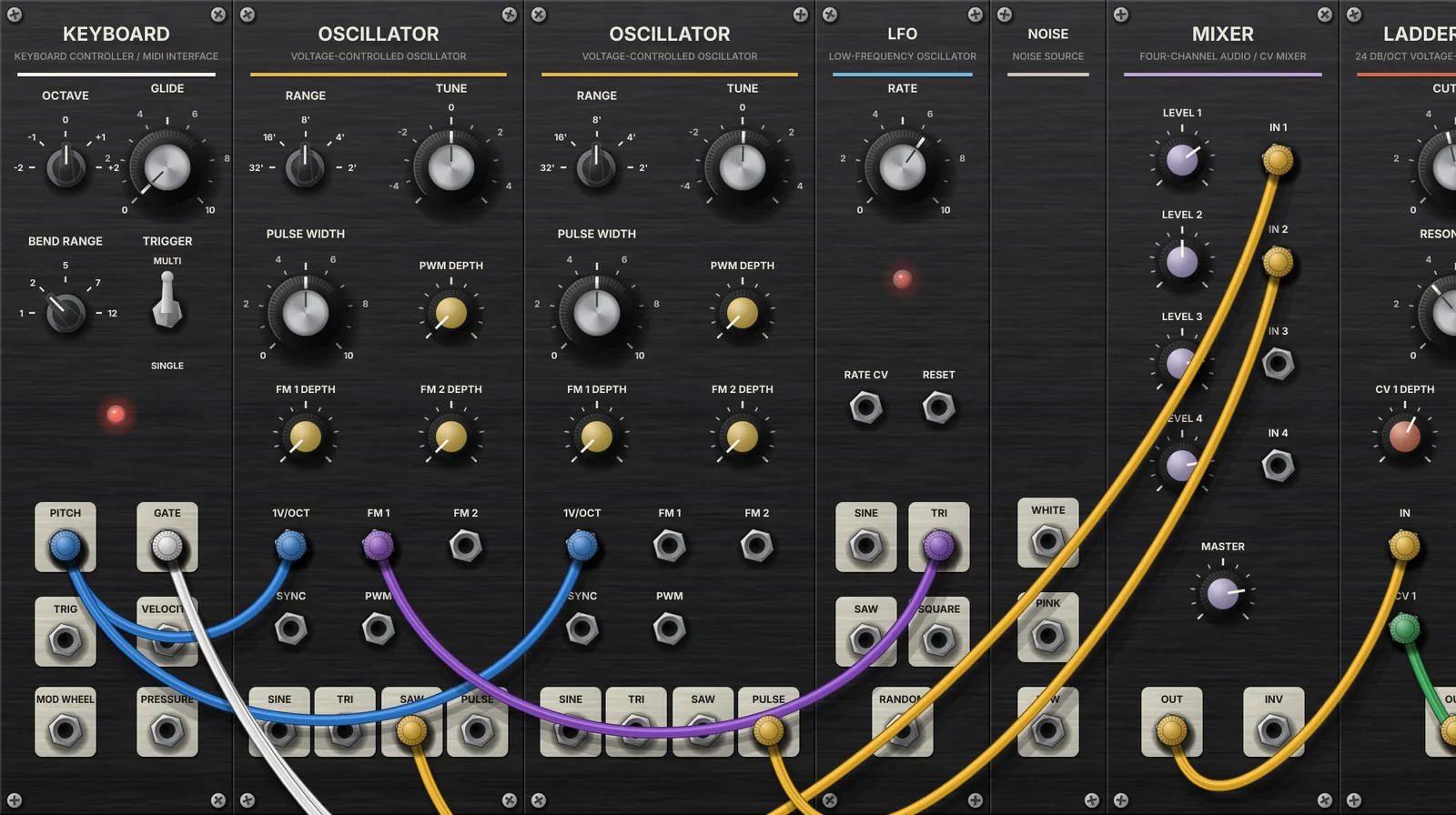
Close-up of the Keyboard, Oscillator, LFO, Noise and Mixer panels with blue, purple and yellow cables plugged into cream jack plates.
Brushed panels, knurled knobs and cables that sag and sway. Outputs sit on light plates so you can always tell which way the signal goes.

Try it here

Patch your first sound in the browser

This is the first lesson in miniature. Drag from an output (light plate) to an input (dark jack). Get the oscillator to the output, then put the filter in between and let the LFO move it.

Oscillator

Sawtooth

LFO

Slow sweep

Filter

Low pass

Output

To your speakers
Learn

Drag a cable from the Oscillator's Out to the Output's In.

Tip: on a phone, tap an output and then tap an input. Tap a patched input to pull its cable out.

Three cabinets

Three schools of synthesis, one instrument

Each system has its own modules, its own starter patches and its own finish. Every module can also be added to any cabinet by hand.

Inspired by 1970s studio modulars

Studio System

    The course

    Learn synthesis one cable at a time

    23 guided lessons in six levels, inside the instrument. No videos to pause, no manual to cross-reference: the lesson rings the knob or jack you need and checks your work as you go.

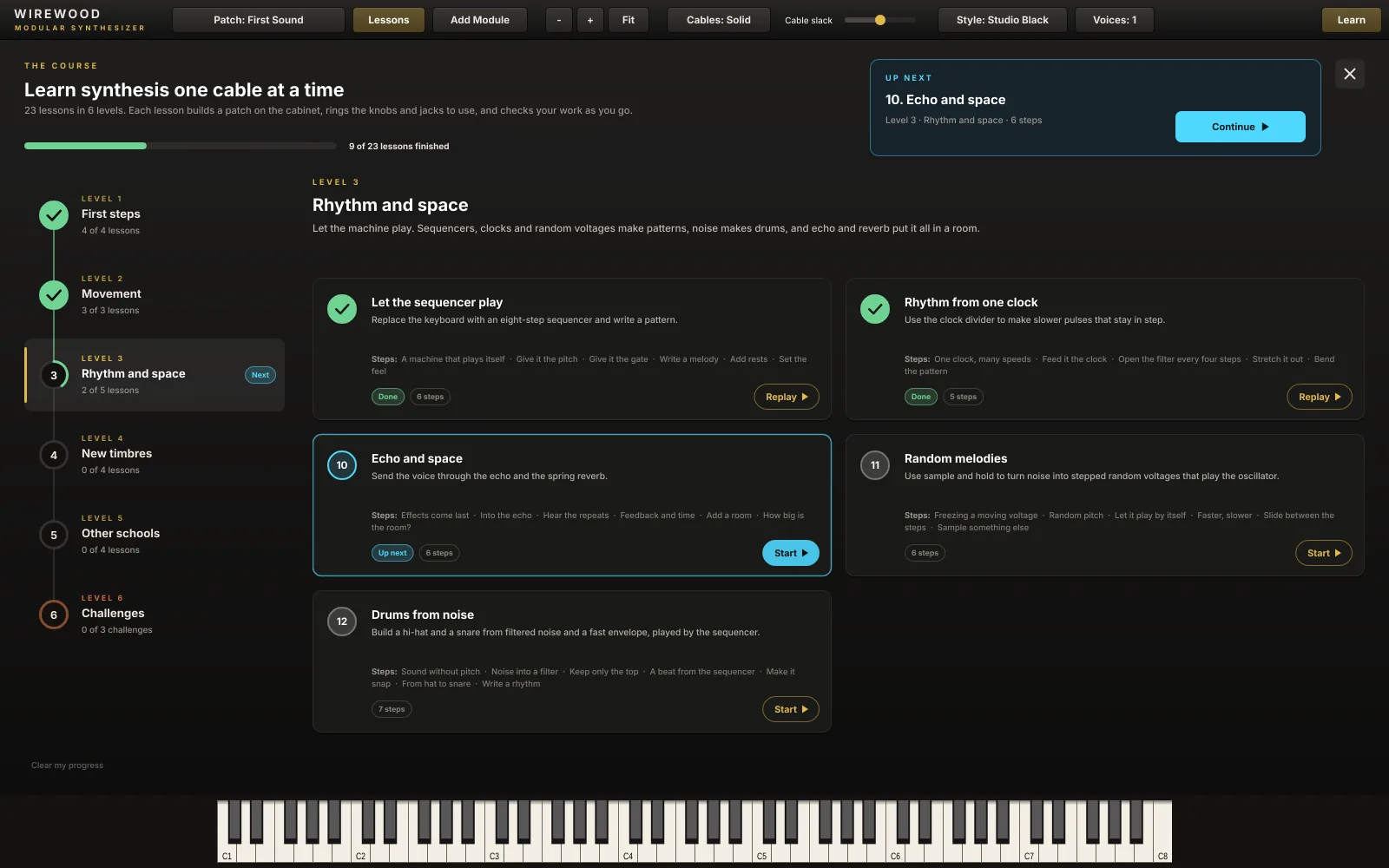
    The course map: six levels on the left, with lesson cards for Level 3, Rhythm and space, including Let the sequencer play, Echo and space and Drums from noise.
    1. 1

      First steps

      Waves, your first sound, filters and envelope shapes.

    2. 2

      Movement

      LFOs, pulse width modulation and glide.

    3. 3

      Rhythm and space

      Sequencers, one clock for everything, random melodies, drums from noise, echo and reverb.

    4. 4

      New timbres

      Hard sync, bells from two oscillators, two notes at once and chords.

    5. 5

      Other schools

      A West Coast pluck, a patch that plays itself, vowels from a filter bank.

    6. 6

      Challenges

      A bass line from nothing, wind and waves, a bell you can play.

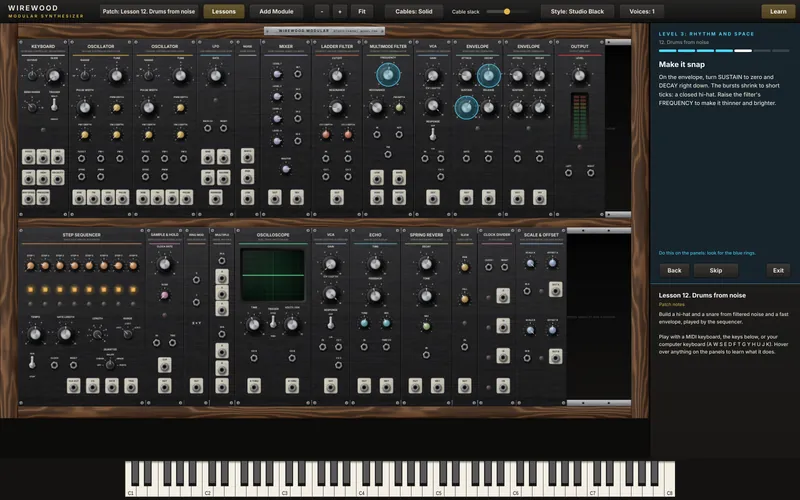
    A lesson building a snare from filtered noise, with blue rings on the jacks to patch next.
    Drums from noise: the rings show what to patch next.
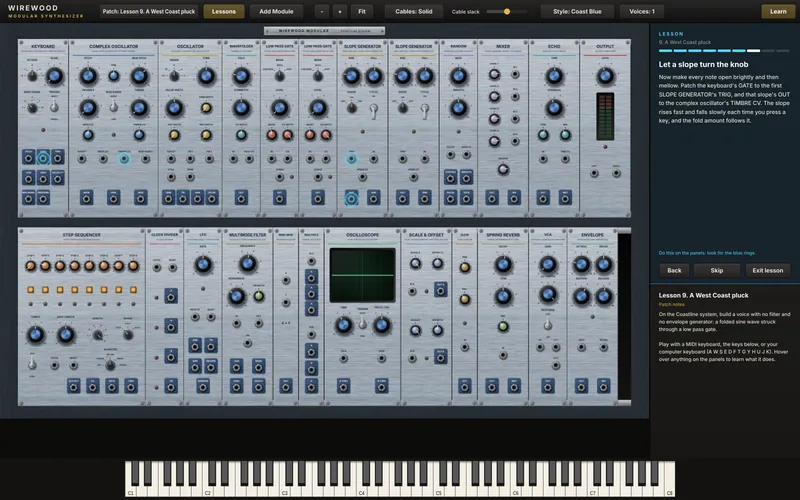
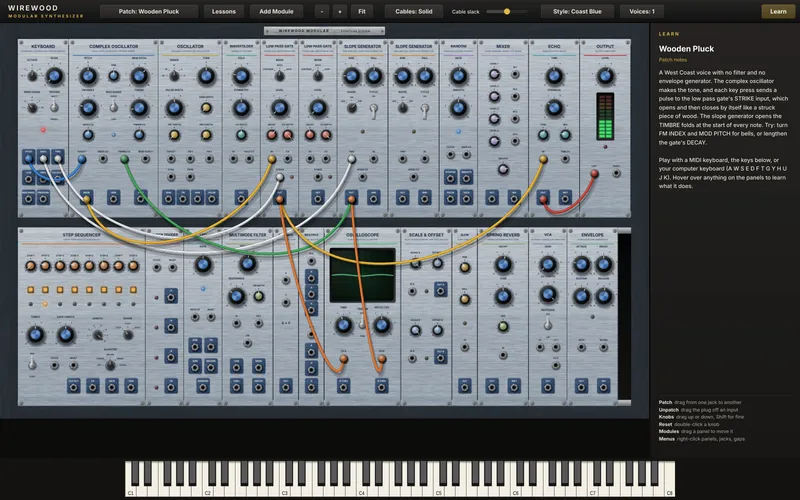
    The West Coast pluck lesson on the blue Coastline cabinet.
    West Coast pluck on the Coastline cabinet.
    A challenge lesson with a Hint button and no rings shown.
    Challenges hide the rings until you press Hint.

    What is in the cabinets

    28 modules, patched however you like

    Signals follow hardware conventions: audio around ±5 V, pitch at 1 V per octave, gates at 0 and 5 V. So what you learn here carries straight over to real Eurorack and studio gear.

    Sources

    Oscillator with sine, triangle, saw, pulse, FM, PWM and hard sync · Complex Oscillator with FM and wavefolder · Noise (white, pink, slow random)

    Modulators

    LFO · ADSR Envelope · Sample & Hold · Slope Generator · Random Voltages · Envelope Follower

    Processors

    24 dB Ladder Filter · 12 dB Multimode Filter · 8-band Fixed Filter Bank · Low Pass Gate · Wavefolder · VCA · 4-channel Mixer · Ring Modulator

    Effects

    Echo (analog-style delay) · Spring Reverb

    Controllers

    Keyboard and MIDI with LOW and HIGH outputs for two-note playing · 8-step Sequencer with scale quantizer · Clock Divider · Sequential Switch

    Utilities

    Slew Limiter · Scale & Offset · Multiple · Dual-trace Oscilloscope · Output Amplifier with meters

    Five finishes

    Pick the cabinet you want to stare at all night

    Black panels in walnut, brushed silver in a black case, cream in walnut, blue-grey with blue knobs, and black with ivory lettering in a dark red case. The modules and patches are the same in every style.

    Studio Black finish
    Studio Black
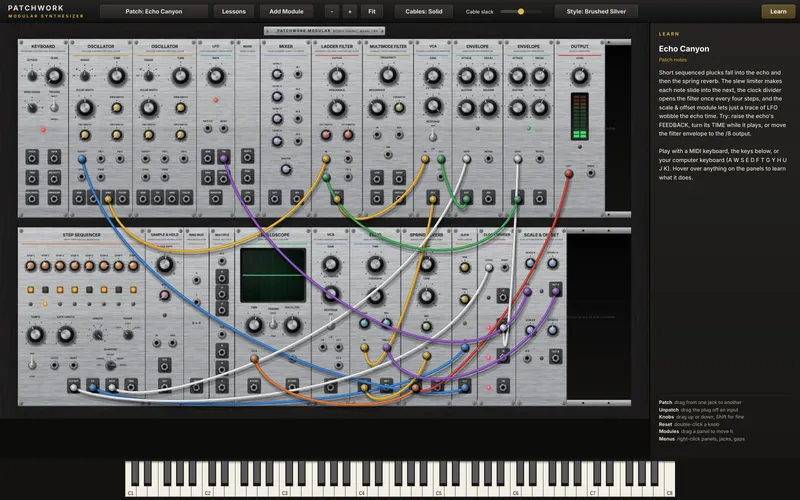
    Brushed silver finish in a black case
    Brushed Silver
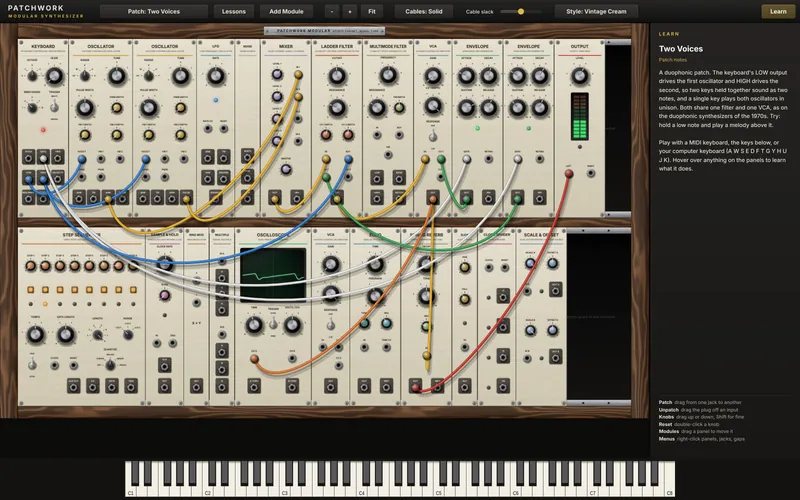
    Cream panels in walnut
    Cream
    Coast Blue finish with blue knobs
    Coast Blue
    Tower finish: black panels with ivory lettering in a dark red case
    Tower

    Get Wirewood Modular

    Download Wirewood Modular, free

    Version 1.0 is free, with everything unlocked for now. One installer puts the standalone app and the plugins on your computer; leave out any part you don't want.

    macOS

    Universal: Apple silicon and Intel · macOS 11 or later

    App, VST3 and Audio Unit. Signed and notarized, so it opens without warnings.

    Download for Mac

    Windows

    Windows 10 or 11 · 64-bit Intel/AMD or Arm

    App and VST3. Signed by DJ Central, Inc., with no extra runtimes to install.

    Not sure which Windows version you need? Most PCs use x64. Choose Arm64 for Snapdragon laptops and other Windows on Arm devices.

    Free forever

    Wirewood Modular

    $0

    • The Studio System cabinet with all its modules and starter patches
    • The beginner lessons of the course
    • Standalone app, VST3 and AU, with saved patches and up to 8 voices

    Coming soon

    Wirewood Modular Full

    $59 one-time · $39 at launch

    • The Coastline and Tower cabinets
    • The advanced lessons and challenges
    • A one-time unlock: no subscription

    Free for everyone on the early supporters list.

    System requirements

    macOS
    macOS 11 Big Sur or later, Apple silicon or Intel
    Windows
    Windows 10 or 11, 64-bit (x64 or Arm64)
    Formats
    Standalone app, VST3 on both, Audio Unit on macOS
    Hosts
    Any 64-bit DAW that loads VST3 or AU instruments, such as Ableton Live, Logic Pro, FL Studio, Bitwig Studio, Cubase, Reaper or GarageBand
    MIDI
    Any MIDI keyboard or controller. Or play the on-screen keys, or your computer keyboard
    Display
    1280 × 800 or larger. The cabinet zooms and fits any window

    Questions

    Good to know

    Is it free?

    Yes. Right now everything is free and unlocked. The Studio System and the beginner lessons stay free forever. Later, the Coastline and Tower cabinets and the advanced lessons become a one-time Full unlock, $59 or $39 at launch, and everyone on the early supporters list gets it free.

    Do I need to know anything about modular synths?

    No. Start the course at Level 1 and the first lesson walks you through making a sound with three cables. Hover over anything at any time and the Learn panel explains it.

    Can I use it in my DAW?

    Yes. Put it on an instrument track as a VST3 (Mac and Windows) or an Audio Unit (Mac). Your DAW sends it MIDI from your controller, and you can record and automate it like any other synth.

    Is it monophonic like the old hardware?

    By default, yes, with LOW and HIGH keyboard outputs for two-note playing. Set Voices to 2, 4, 6 or 8 and every patch becomes polyphonic.

    Is it a copy of a particular vintage synth?

    No. Wirewood Modular is an original instrument inspired by the large studio modulars of the early 1970s and by the East Coast and West Coast schools of synthesis. It does not use any manufacturer's names, logos or panel artwork.

    Do you track me on this site?

    Only lightly. We count page visits and download clicks with Umami, a privacy-friendly analytics tool we host ourselves. It uses no cookies, collects no personal information and is not used for advertising.

    Will my saved patches survive an update or uninstall?

    Yes. Patches are saved in your Documents folder, and the installers never touch them.